The biggest update yet.
Aria AI companion. Live Rewind. iCloud sync. Content packs. Live Activities. Home Screen widgets. A full macOS menu bar. And dozens of refinements across every mode.
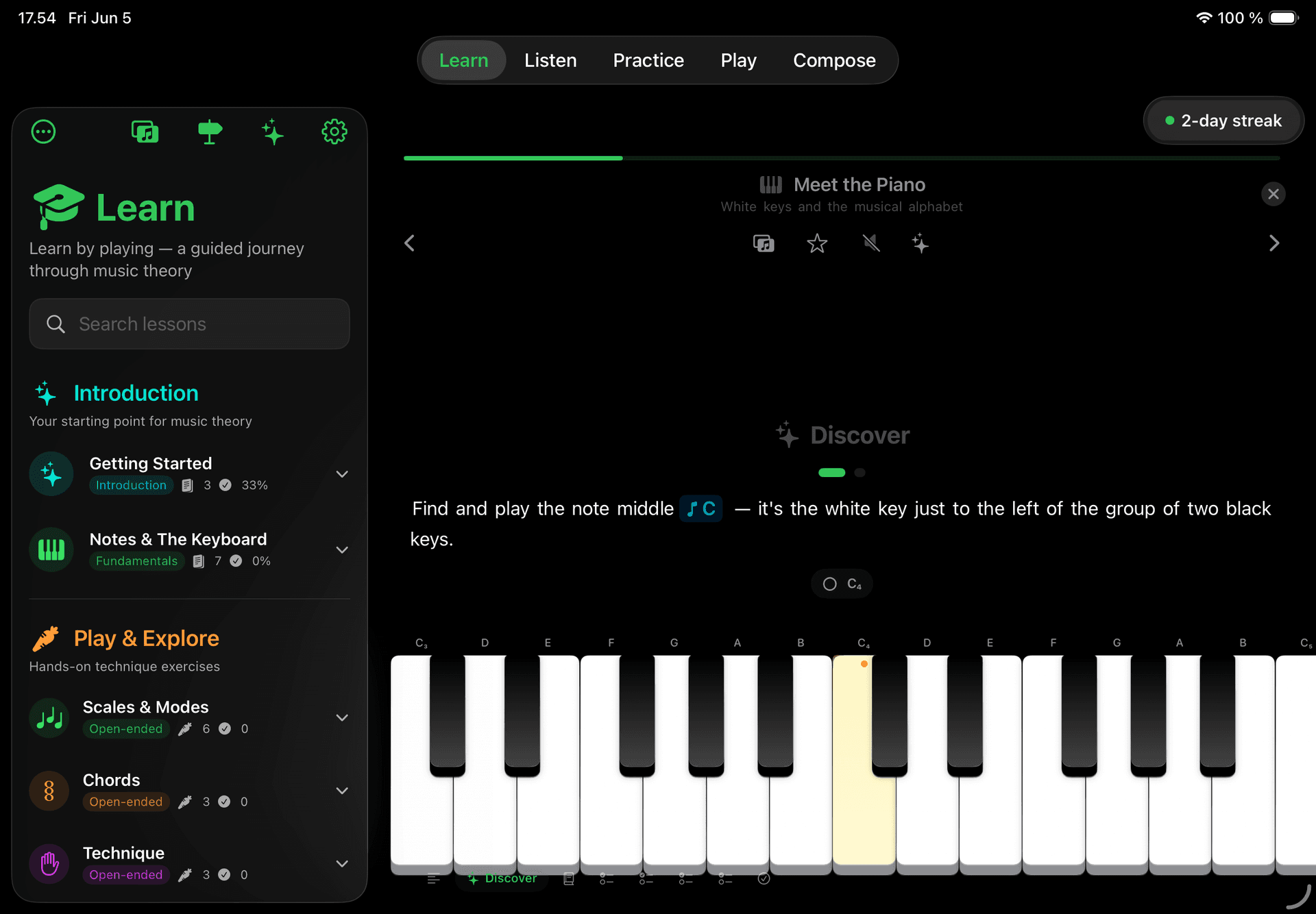
Aria
Your AI music companion.
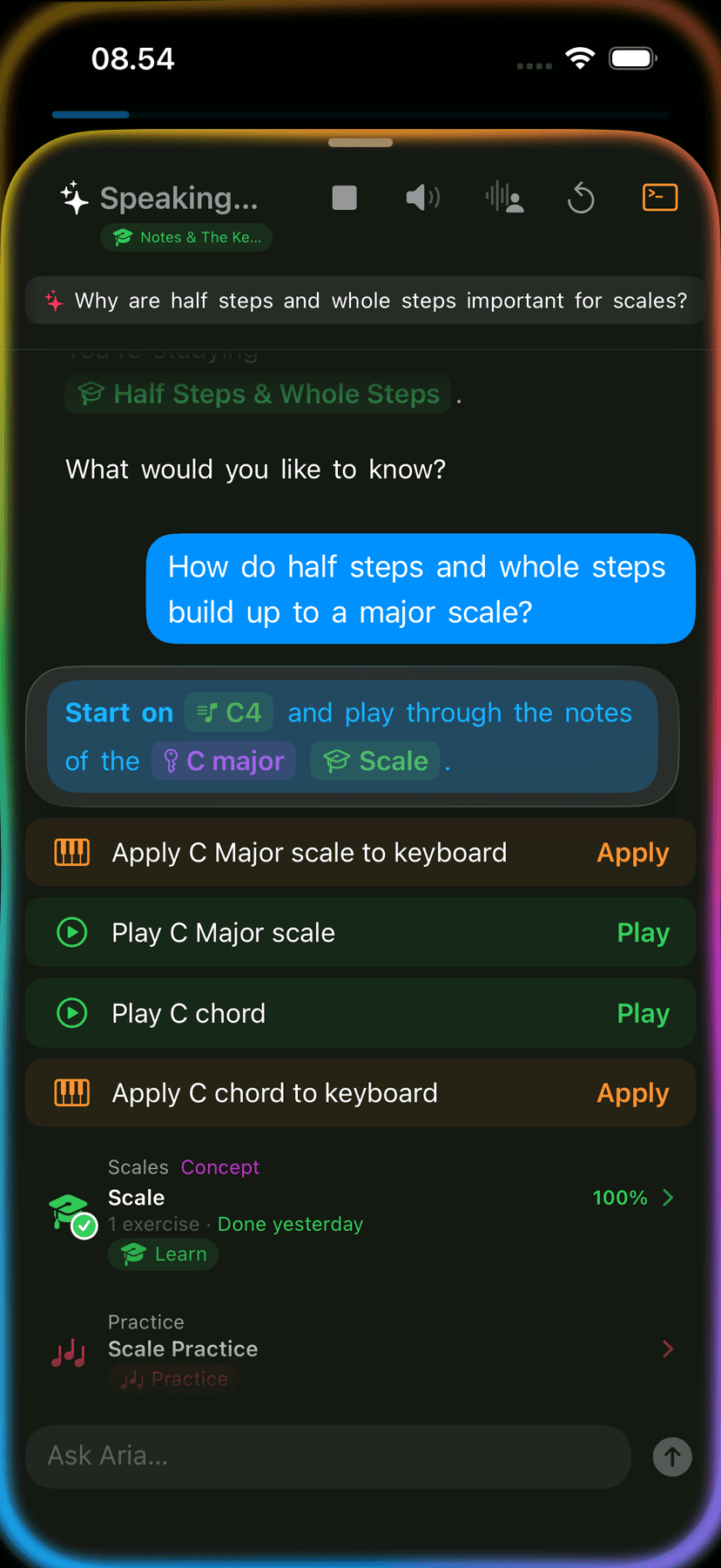
Ask anything about music theory. Get coaching tailored to where you are. Hear scales and chords played back. Aria runs on-device with Apple Intelligence — private by design, no account required.
Ask anything
Theory questions, practice suggestions, explanations of the current lesson — ask in plain language and get a plain answer.
Hear it back
Ask Aria to play a scale, chord, or progression and hear it on the keyboard. Notes play one at a time at a steady tempo.
Conversation history
Aria remembers your last session. Reopen the chat and pick up where you left off — no repeating yourself.
On-device with Apple Intelligence
All conversations stay on your device. No cloud, no data sharing, no account.
Live Rewind
Nothing you play is ever lost.
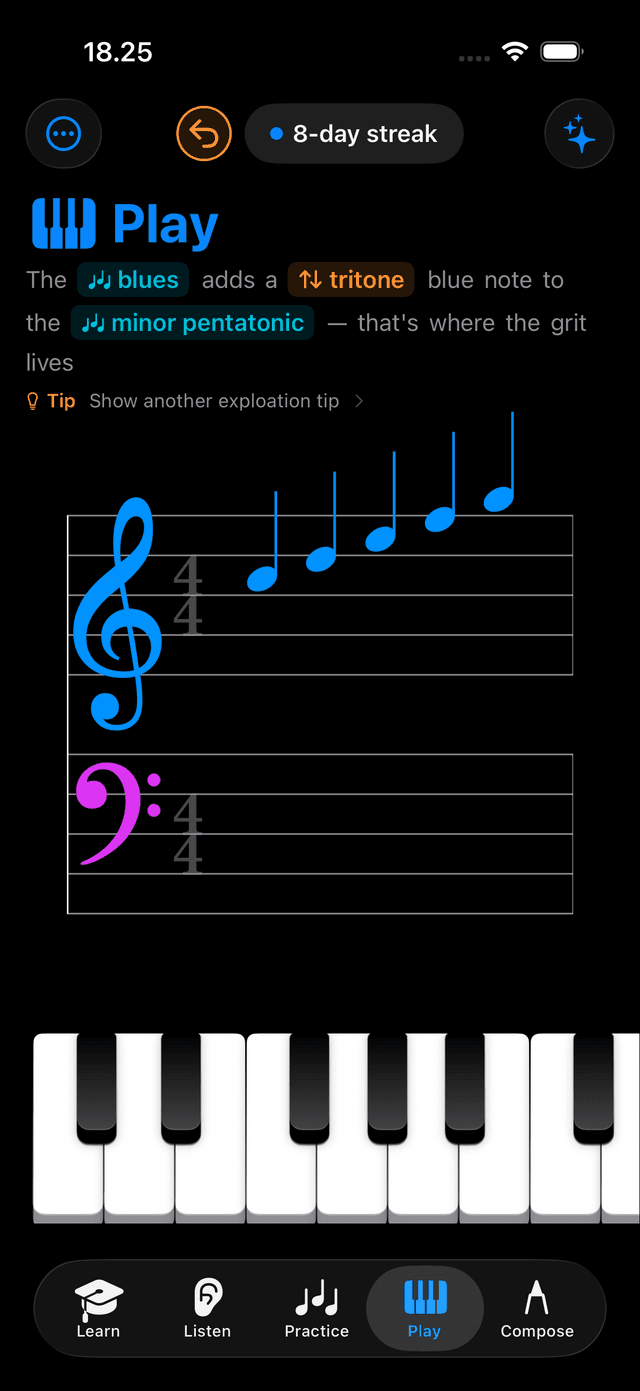
Play mode keeps a rolling 30-second buffer running at all times. Tap Rewind to hear your idea back, save it straight to Compose as a MIDI track, or adjust the duration. No record button. Just play.
Content packs
Free to download. Unlock when ready.
Tiny Instrument is now free. A genuine free tier includes the full keyboard, intro lessons, and starter ear training — no time limit. Unlock deeper theory chapters, advanced practice tools, and the composition path with one-time content packs. No subscription.
Previous purchasers are automatically grandfathered — your purchase is recognised and grants the equivalent of Core Theory, Advanced Theory, and Practice Studio.
See pricing →iCloud sync
Pick up where you left off.
Lesson progress, practice history, and settings sync automatically across your iPhone, iPad, and Mac via iCloud. Start a lesson on iPhone, finish it on iPad — your progress is always in sync.
Compose
14 progression templates.
Choose from 14 chord progressions spanning Pop, Jazz, Blues, and Classical styles. Browse by genre and drop any template into your composition in one tap. Or arm a slot and play a chord — Tiny Instrument detects it and drops it in automatically.
Guide: Build chord progressions in Compose →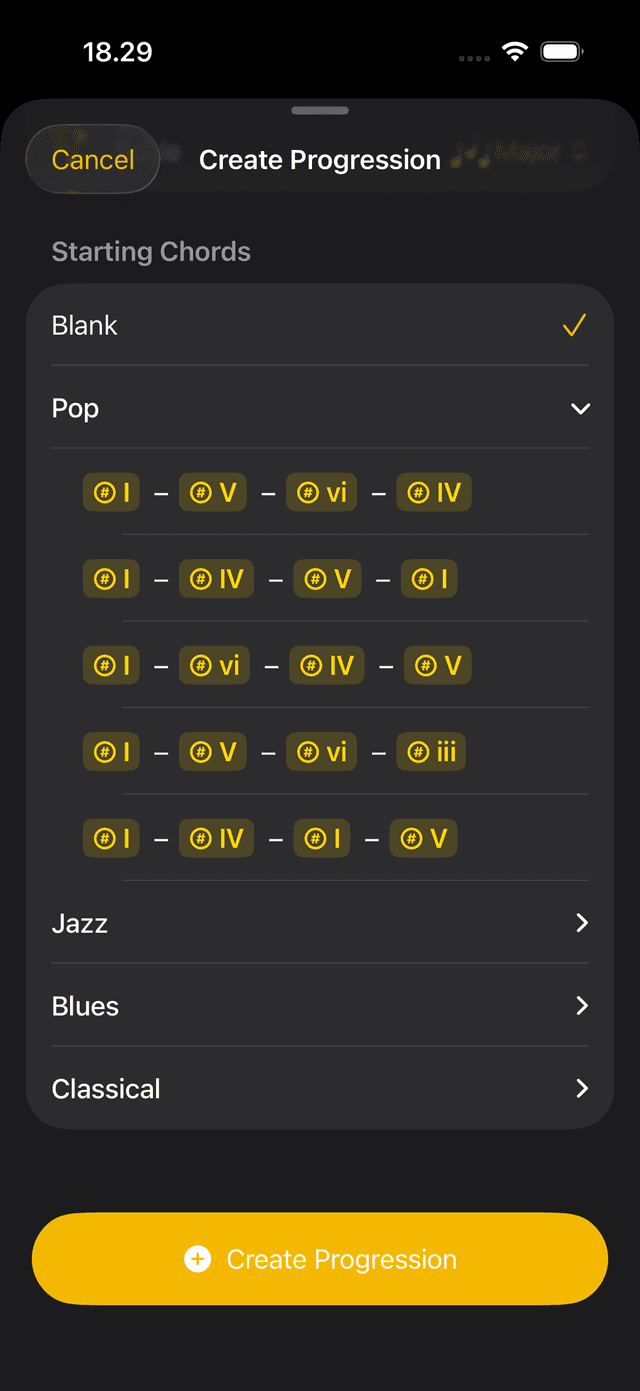
System integration
Woven into the OS.
Live Activities on the Lock Screen. Home Screen widgets in three sizes. Siri Shortcuts for any app action. Full Spotlight indexing for lessons, scales, and chords. And a complete macOS menu bar.
Live Activities
Practice timer and focus session appear on the Lock Screen and in the Dynamic Island.
Home Screen widgets
Launch a mode, see your streak, or jump to your last lesson — small, medium, and large sizes.
Siri Shortcuts
Ask Siri to open a mode, practice a scale, or start a focus session. All major actions exposed.
Spotlight Search
Lessons, scales, and chords indexed in Spotlight. Search by name and jump straight in.
macOS menu bar
Full menu bar on Mac — File, View, Playback, Window, Help — with all keyboard shortcuts.
In-app notification landing
Tapping a notification opens the exact lesson, challenge, or session it refers to.
Learn
Better lessons, better narration.
Words now highlight sentence by sentence as narration speaks them. Scale fingering hints show correct right-hand finger numbers for all 12 keys. Long-press any lesson to favourite it or schedule a reminder.
Practice
Focus timer. Metronome everywhere.
The focus timer now counts down and offers to extend when time runs out. The metronome is accessible from any mode with BPM, time signature, and beat animations. A new Practice Chord button in the Chord Explorer starts a single-chord drill in one tap.
Tiny Instrument 2.0
Free to download.
Aria, Live Rewind, iCloud sync, and system integration are free for everyone. Unlock deeper theory and practice content with one-time packs.