Tiny Instrument · Play & Theory
Theory meets freeplay.
Pick a key, play freely, and let the app name what you're doing — without stopping to look anything up.
Get Tiny Instrument freeKey reference
Play in any key — the app follows.
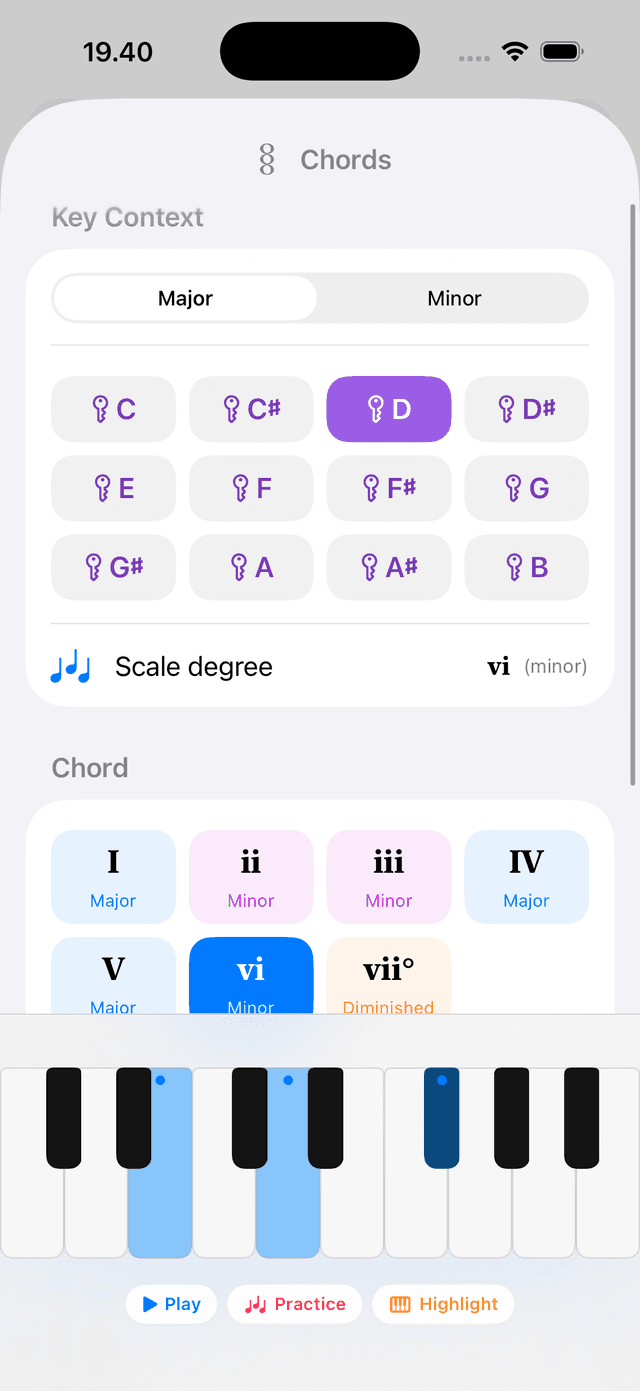
Pick a root and mode from a card-style selector and the keyboard immediately highlights that key's scale. A strip below the keyboard names every diatonic chord — so you can see I, IV, V and all the rest without memorising anything. Change key, the whole display updates instantly.
Chord names
Every chord named as you hold it.
The display above the keyboard detects and names the chord you're holding in real time — including slash chords. Play a G over a C bass and it reads C/G. No lookup, no interruption. Just play and the label appears.
Accidental spelling
Sharps or flats — your call.
A single setting — Follow Key, Sharps, or Flats — controls how notes are spelled everywhere: chord names, inversions, and lesson labels. Set it once and the whole app speaks your language. Follow Key is the default; it spells notes however the current key dictates.
Accidentals
Spell to match the current key signature
Progressions in Play
Bring a progression, play over it.
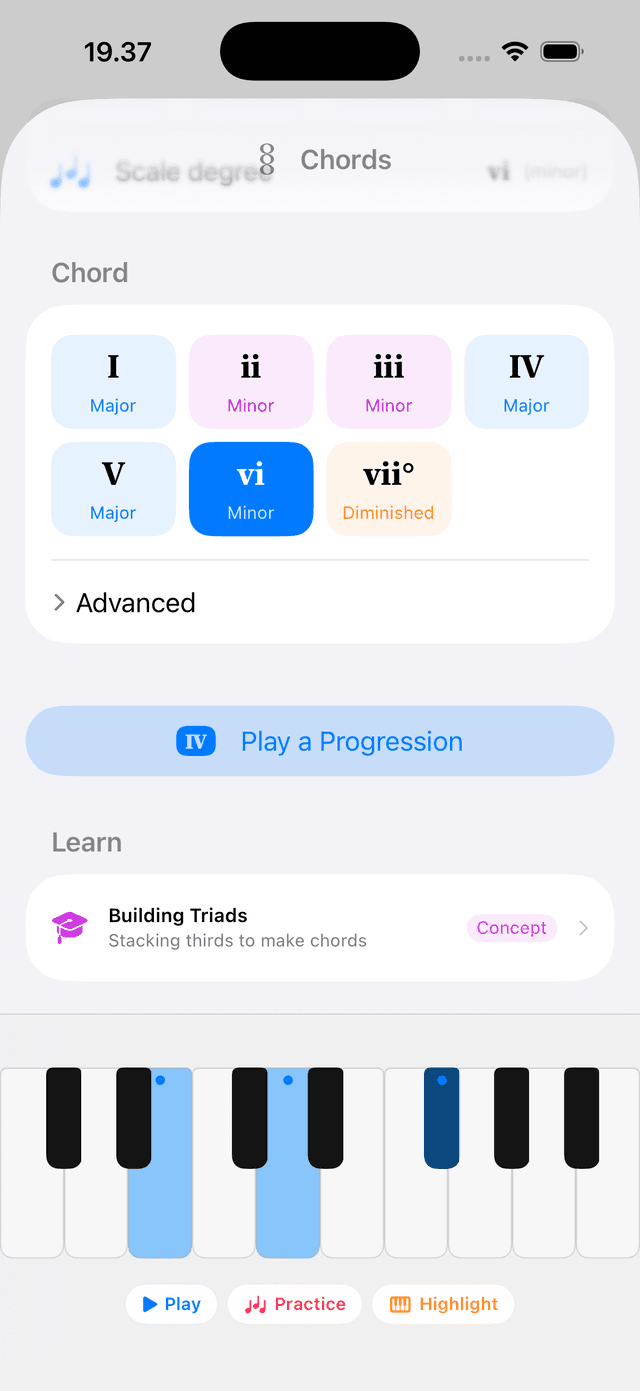
Open any saved chord progression directly in Play mode. The app steps through the chords automatically so you can focus on playing rather than switching. Hear how your improvisation sits against each chord without stopping the flow.
Ready to play with theory?
Free to download on iPhone, iPad, and Mac.