Tiny Instrument · Play
Explore scales, chords, and instruments directly.
A musical sandbox with the keyboard front and center. This is where ideas can feel tactile before they become formal lessons or full practice sessions. And with a key reference, theory is always visible as you play.
Get Tiny Instrument freeKeyboard-first
The keyboard is always the center.
The keyboard stays visible and central at all times, so every idea you explore is immediately tied to touch and sound. Nothing is buried behind menus — you tap a key and hear it, and the whole interface responds around that moment.
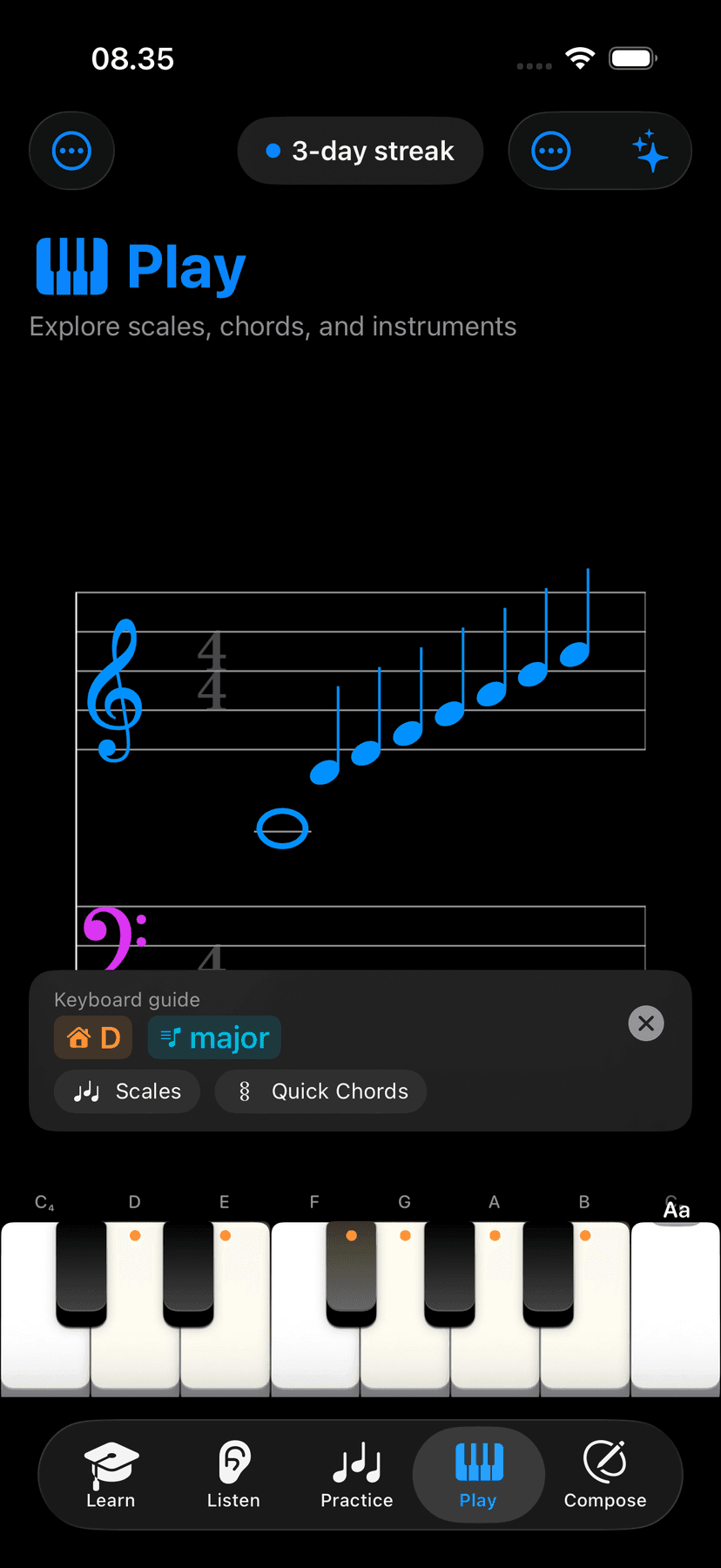
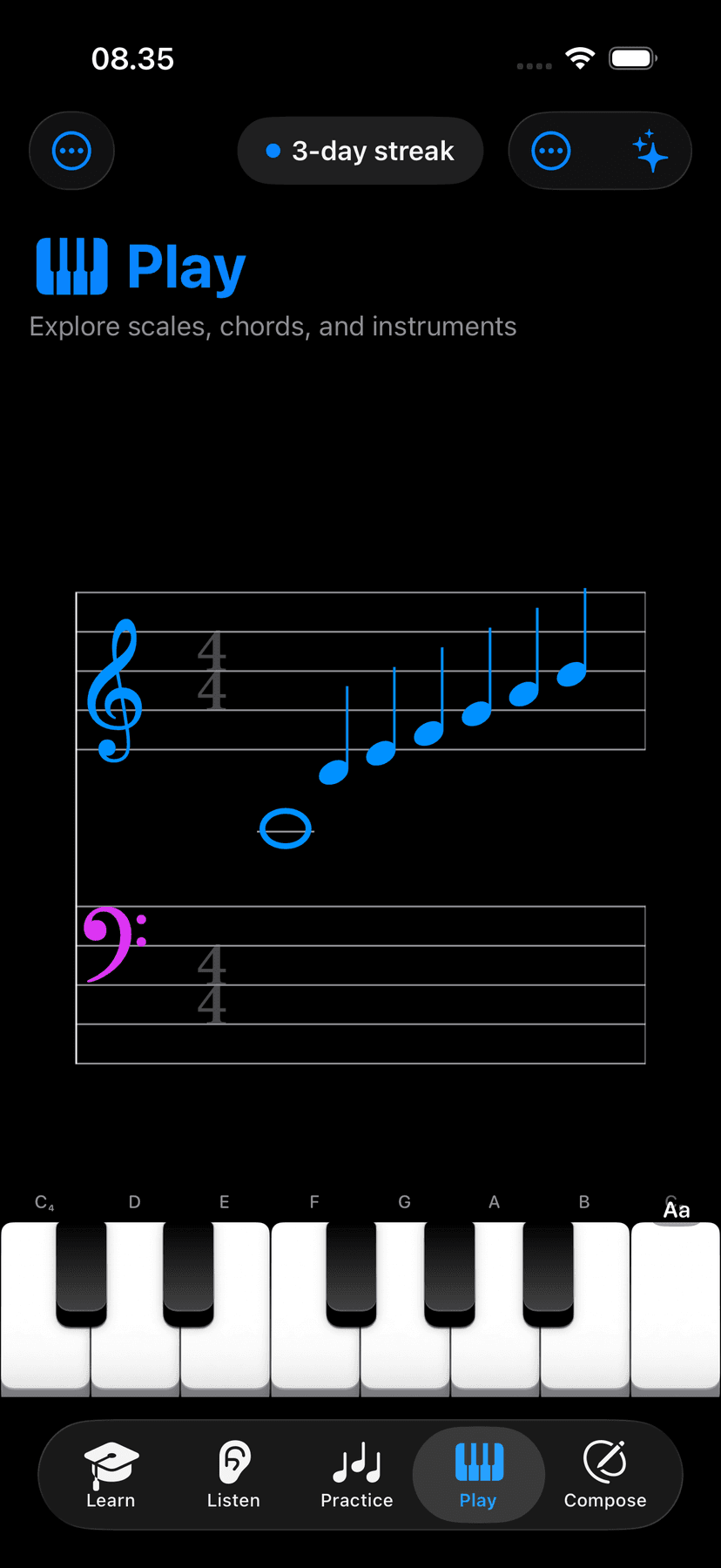
Staff and note context
See it, name it, hear it — at once.
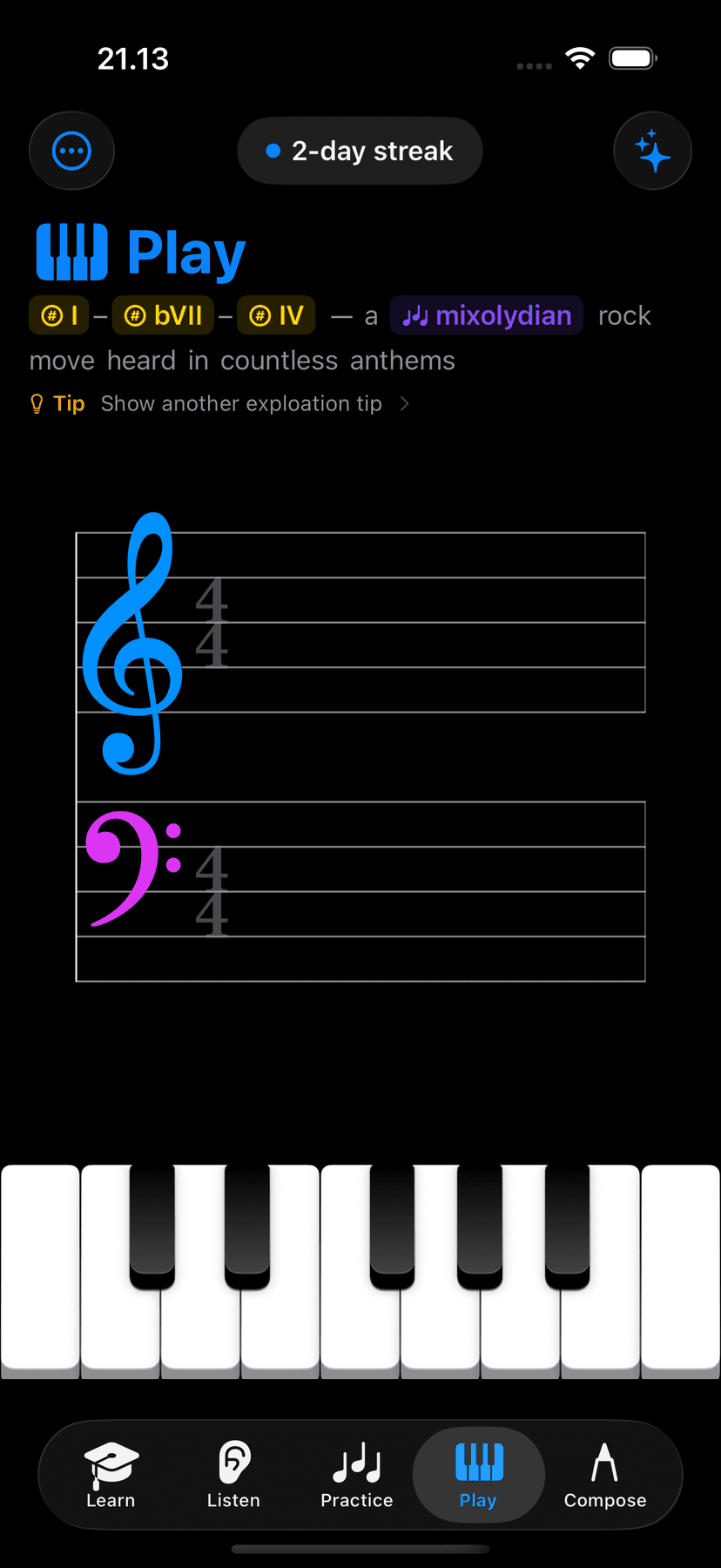
Optional notation context and note labels keep abstract theory anchored to something visible. You can see the note on the staff, the name on the key, and hear it — all at the same time — which builds a much stronger connection than studying from a diagram alone.
Scales
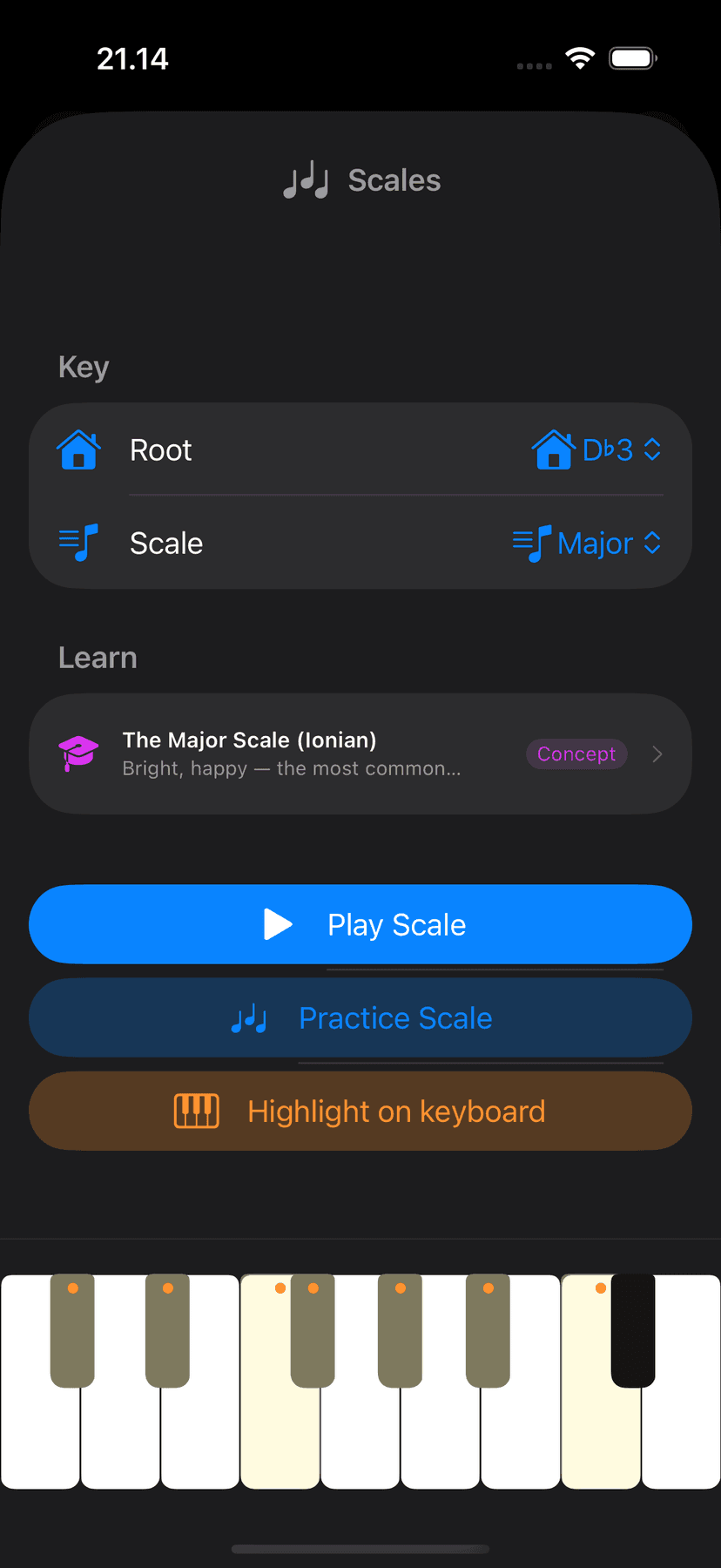
Every scale and mode, live on the keys.
Browse major, minor, pentatonic, modal, and more — each scale shape mapped directly onto the keyboard in front of you. Pick a root, pick a scale, and play. No diagrams to memorize; the pattern is right there in the highlights.
Quick chords
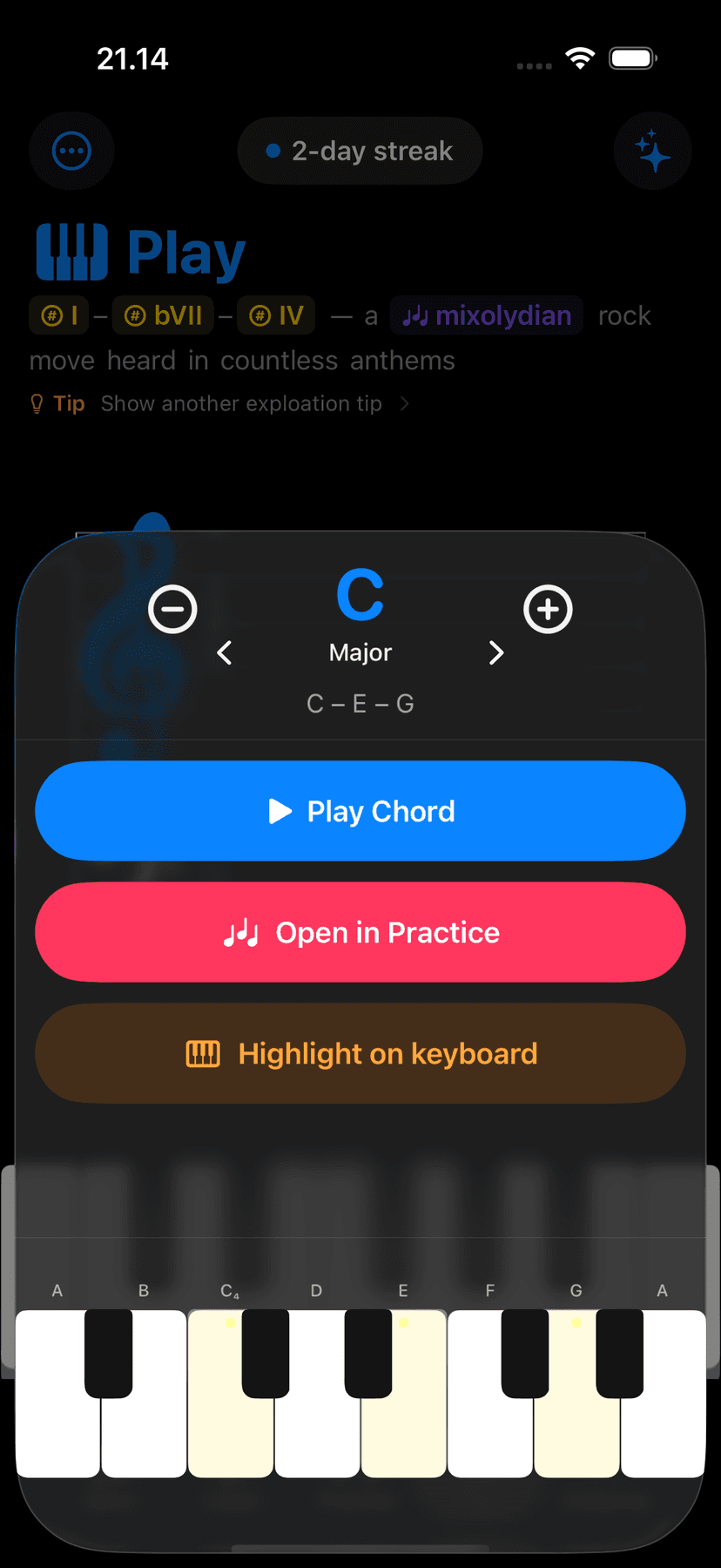
Any chord, one tap.
Quick chords puts the most common chord shapes a single tap away. No need to know the exact voicing — pick a quality, pick a root, and hear it immediately. Great for testing a progression idea or just getting the sound of a chord in your ears fast.
Chord explorer
Browse every voicing on the keyboard.
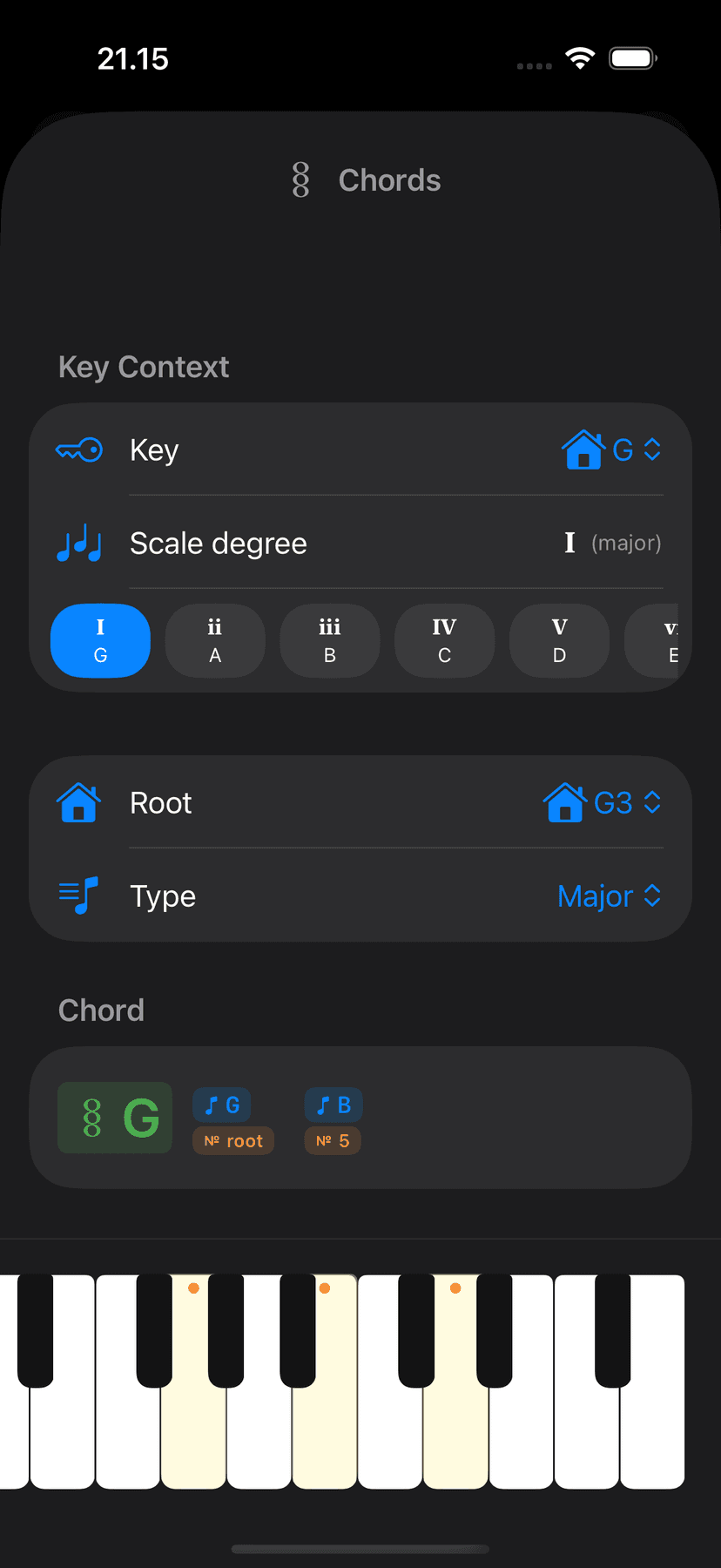
The chord explorer goes deeper — every quality, every inversion, every extension. Tap a chord type and the keys light up showing exactly which notes form it. Exploration stays musical rather than turning into a flashcard exercise.
Keyboard highlights
The pattern lights up on the keys.
When you select a scale or chord, the relevant keys are highlighted directly on the keyboard — so the shape is always in front of you as you play. The pattern stays visible as you explore, keeping theory grounded in touch rather than memory.
Instrument exploration
Hear every idea on a different voice.
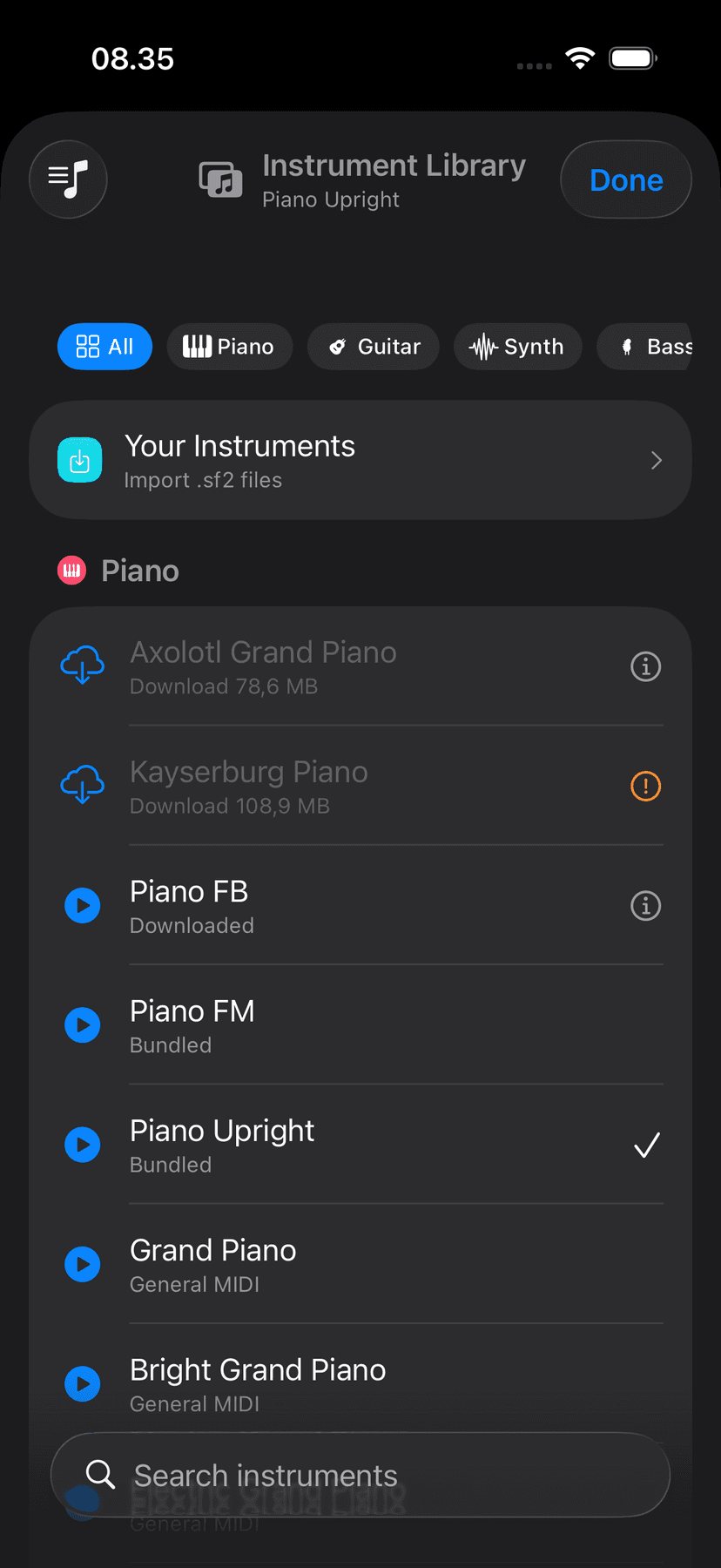
A built-in instrument library lets you switch between piano, organ, synth, and more without leaving the playing surface. Hear how the same scale or chord feels on different timbres — instrument curiosity becomes part of the learning.
Easter egg exploration
Hidden lessons inside the sandbox.
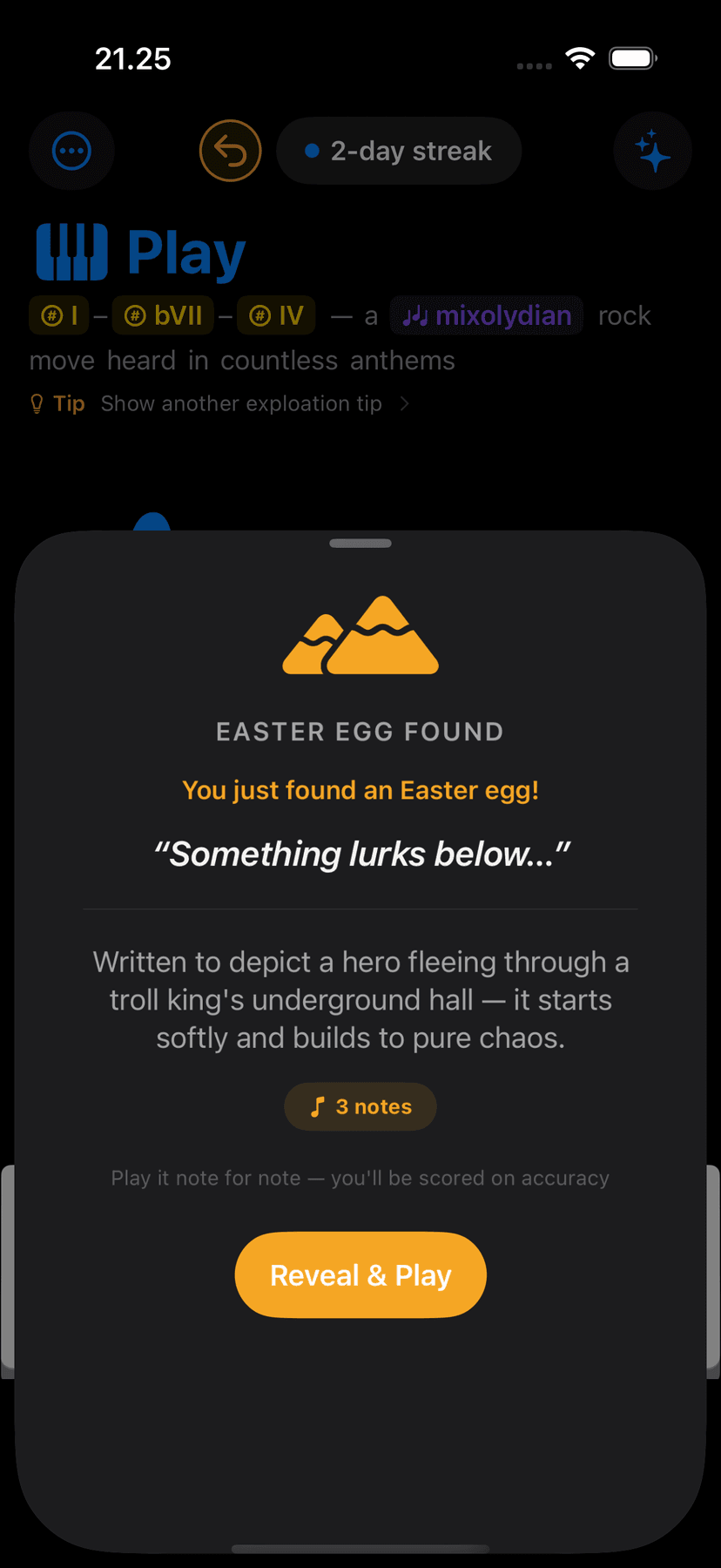
Play mode hides short exploration lessons throughout the interface — tiny guided moments that surface when you least expect them. They're not required, not graded, and don't live in the lesson library. Just rewards for wandering.
Exploration tips
Nudges that point you somewhere interesting.
The tip system surfaces musical ideas you can try right now — a chord progression to test, a mode to hear, a pattern worth knowing. Tap to see another. They're contextual, brief, and designed to get you playing rather than reading.
Play dock
A tidier, more capable Play dock.
A new three-segment toggle — Progression, Chord, and Chord Lab — lets you switch between the diatonic chord strip, a single focused chord, and the full Chord Lab with one tap. In Chord mode, a play button voices your selected chord as a block, an arpeggio, or a strum, the same options the progression player offers, so you can hear it exactly the way you mean it.
The whole dock got a layout pass across iPhone, iPad, and Mac. The mode switcher, key and chord chips, and the Key, Scale, Chord, and Quick Chords buttons line up at consistent, easy-to-tap sizes. On iPad and Mac the chord playback controls and the Diatonic / Progression switch sit together right beside the chord, and on iPhone everything fits neatly while the staff rises to fill the space when the keyboard is hidden.
Ready to explore?
Free to download on iPhone, iPad, and Mac.