Tiny Instrument · Compose
Turn learning into your own music.
A gentle sequencer for progressions, ideas, and first songs. Compose gives your theory a creative landing place — without jumping into a heavyweight production environment.
Get Tiny Instrument freeChord progressions
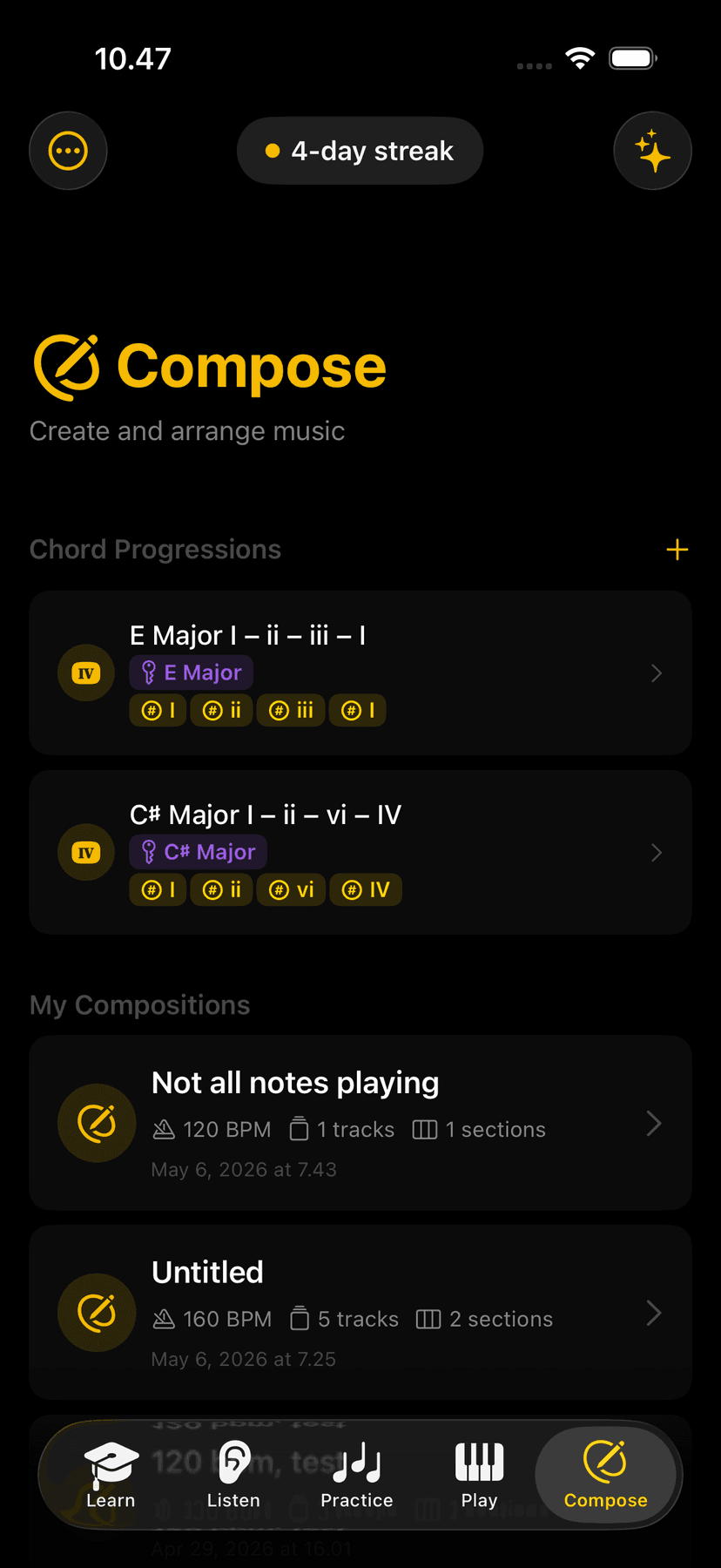
Build and edit chord progressions.
Tap any chord in your progression to swap it, change the voicing, or try a different quality — the surrounding chords stay in place and the flow stays inside Compose. Hear the progression loop as you edit so every change lands in musical context.
Key changes
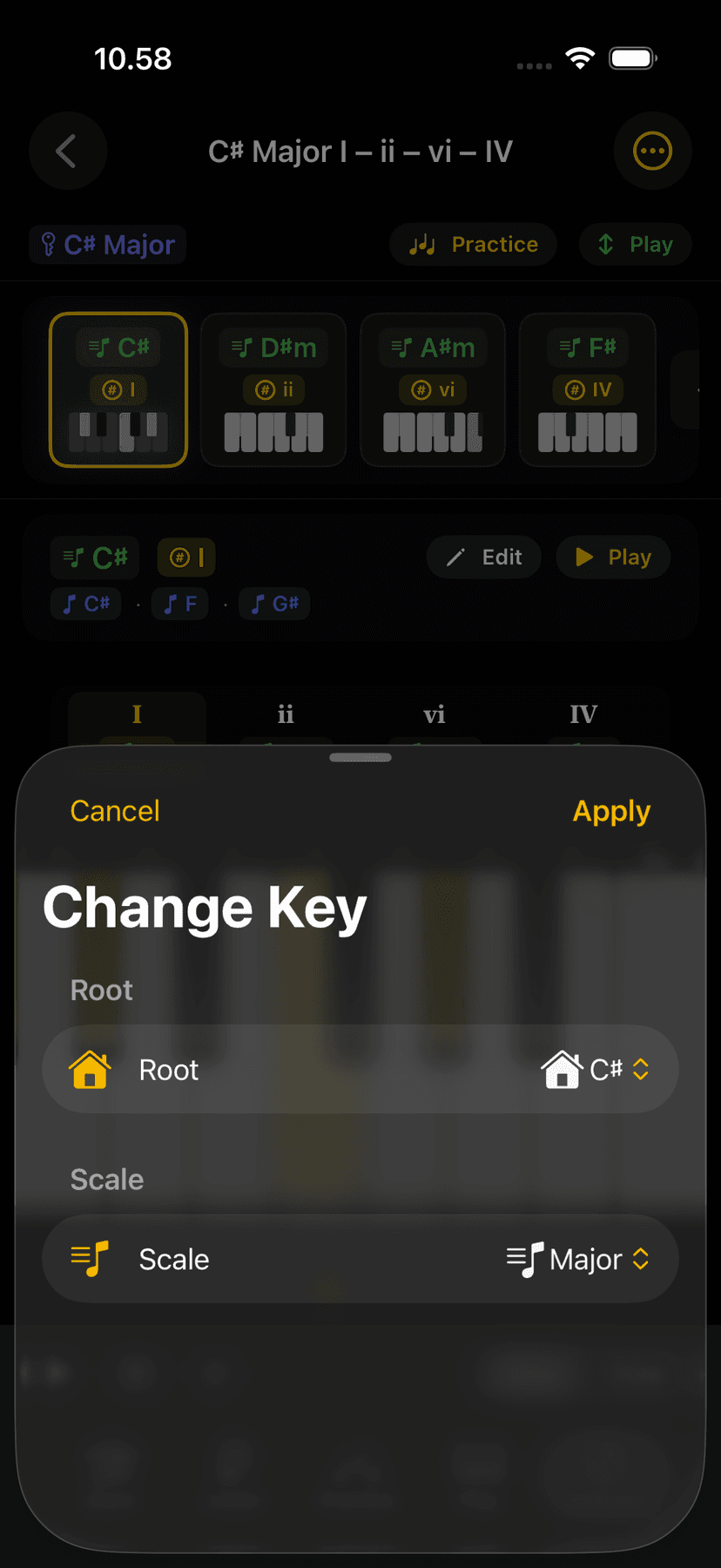
Transpose to any key.
Change the key of your entire chord progression in a single tap. Every chord updates instantly — audition different keys until you find one that fits your voice, your instrument, or the feel you're going for. No rewriting anything manually.
Composition surface
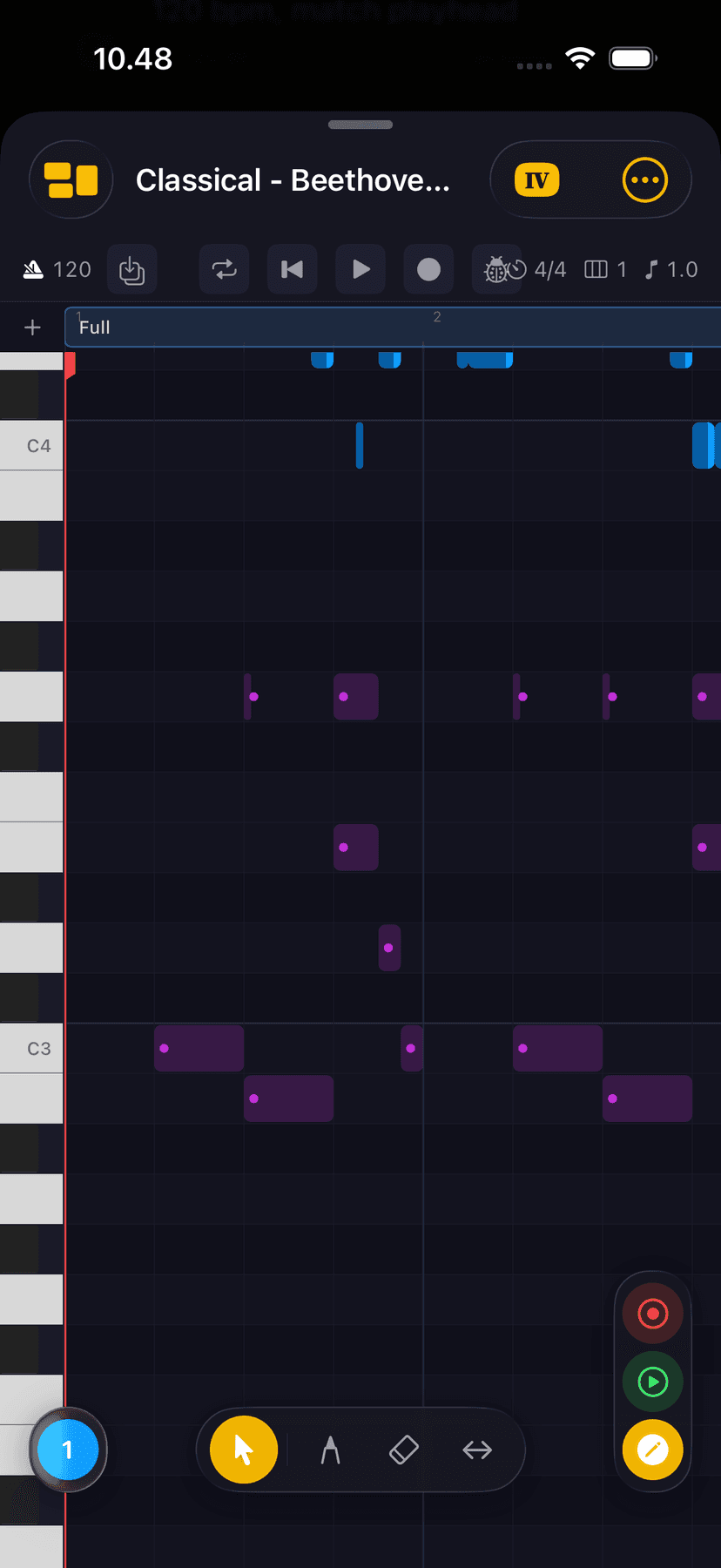
Beginner-friendly by design.
Compose is designed to feel approachable before it feels powerful. No tracks to set up, no routing to configure, no learning curve just to put four chords together. It's the right level of complexity for someone making their first musical sketch.
Connected
Connected to the rest of the app.
A chord progression you build in Compose can be sent to Practice for drilling or opened in Play for improvisation. What you learn in theory and ear training can land here as real musical material — Compose is where the rest of the app pays off.
Ready to make music?
Free to download on iPhone, iPad, and Mac.